Whangamata Surf Cam
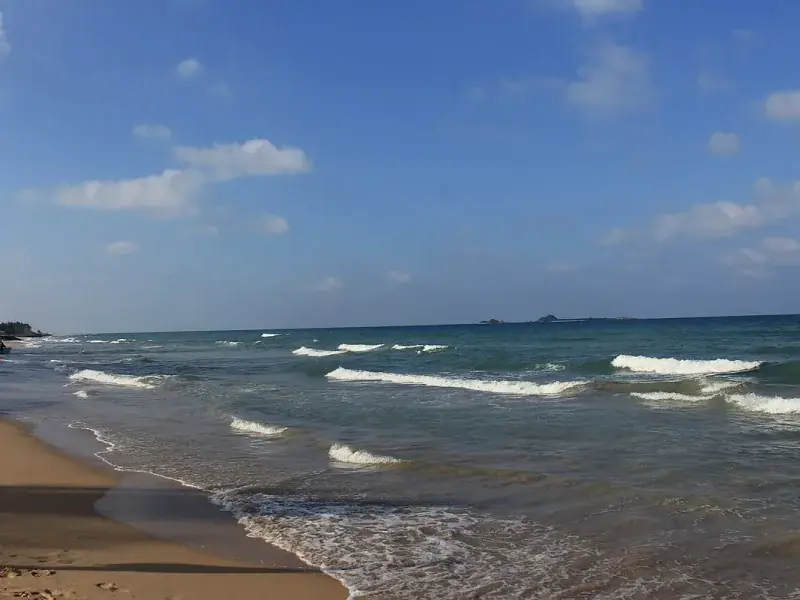
Checking the Whangamata surf cam before heading to the beach is the best way to assess current wave conditions, crowd levels and weather. Several live camera feeds cover the main beach and harbour area.
Available Surf Cams
Whangamata Beach Cam
The main Whangamata surf cam is positioned at the surf life saving club lookout, providing a wide-angle view of the beach from the harbour entrance south along the main beach. This camera gives a good indication of swell size, wind conditions and wave quality.
Harbour Cam
A second camera covers the harbour entrance and bar area. This is useful for checking conditions at The Bar surf break and for boat skippers assessing bar conditions before heading offshore.
How to Use the Surf Cam
When viewing the surf cam, look for these indicators:
- Clean lines: Well-defined wave lines approaching the beach indicate good swell with offshore or light winds
- White caps: Choppy white water on the surface indicates onshore wind — conditions will be messy
- Glassy surface: A smooth, mirror-like ocean surface means no wind — ideal conditions
- Set waves: Watch for a few minutes to see the larger set waves come through, which will give you a better idea of the true swell size
Best Times to Check
Check the cam early morning (6-8am) for the cleanest conditions. The camera image quality is best during daylight hours. Dawn and dusk can produce glare that makes it difficult to assess wave quality.
Keep in mind that surf cams can flatten the appearance of waves. The surf is almost always bigger in person than it looks on camera, particularly when viewed from an elevated angle.